Standard Outputs of C
Review of common inputs: printf, putchar, puts.
Comparing to Standard Inputs, Standard Outputs are much simpler.
Shortcut for Quick Review:
Basic Formats
-
What is the result of the following code?
#include <stdio.h>

int main(void) {
    char a[5] = {'A', 'B', '\0', 'C', 'D'};
    puts(a);
    return 0;
}
Click to expand Answer
✔️ Answer
ABputsorprintf("%s", ...)stops when the terminating character ('\0') is seen. If you forget to add a'\0'at the end of your string, the program might crash due to memory access violation. - Replace
<REPLACE_HERE>with a string format that can get the expected output.#include <stdio.h> int main(void) { printf("<REPLACE_HERE>"); return 0; }Expected Output:
printf("%d\n", x);Click to expand Answer
✔️ Answer
printf(\"%%d\\n\", x);printfrequires escape characters to print certain special characters.\\becomes'\'\"becomes'"'%%becomes'%'
For the example above, we can print out the expected output easily by
puts. But if you useprintf, it’s a pain in the a**. -
What is the result of the following code?
#include <stdio.h>

int main(void) {
    int a, b;
    a = 101;
    b = 8787887;
    printf("%8d\n", a);
    printf("%8d\n", b);
    printf("%08d\n", a);
    printf("%08d", b);
    return 0;
}
Click to expand Answer
✔️ Answer
     101
 8787887
00000101
08787887
This is a easy way to pad outputs with whitespaces or zeros.
-
What is the result of the following code?
#include <stdio.h>

int main(void) {
    float f;
    f = 878722e-4;
    printf("%f\n", f);
    printf("%.2f\n", f);
    printf("%.1f\n", f);
    printf("%.0f\n", f);
    printf("%.f", f);
    return 0;
}
Click to expand Answer
✔️ Answer
87.872200
87.87
87.9
88
88
The
xeyin float representation means $x\cdot 10^y$.If the precision isn’t specified, the default is 6 digits after the decimal point.
printfdoes the rounding for you. -
Replace
<REPLACE_HERE>with string formats that can get the expected output.#include <stdio.h> int main(void) { long long x, y; scanf("%lld%lld", &x, &y); printf("<REPLACE_HERE>\n", 20, 2*(unsigned long long)x); printf("<REPLACE_HERE>\n", 20, 2*(unsigned long long)y); return 0; }Input:
9100000000000000000
12
Expected Output:
18200000000000000000
00000000000000000024
Click to expand Answer
✔️ Answer
%0*llu%lldforlong long%lluforunsigned long long.
printf("%*d", NUM, ...)replaces*toNUM. -
What is the result of the following code?
#include <stdio.h>

int main(void) {
    putchar('\a');
    return 0;
}
Click to expand Answer
✔️ Answer
-
In Console/Terminal
Does not output any visible characters.
If your computer’s sound is on, you should hear a bell ringing sound or a “beep!”, or some other strange noises.
-
In text editor (which is used by OJ)
BEL
BELindicates the bell character.\ais stored as a character if the output is redirected to a file. The bell sound is the result of the terminal’s interpretation of\a.
For more information, please refer to the ASCII Table.
-
-
What is the result of the following code?
#include <stdio.h>

int main(void) {
    puts("helloworld!\b\b\b\b\b\b hell");
    return 0;
}
Click to expand Answer
✔️ Answer
-
In Console/Terminal
hello hell! -
In text editor (which is used by OJ)
helloworld!BSBSBSBSBSBS hell
BSindicates the backspace character.\bis stored as a character if the output is redirected to a file. The terminal’s interpretation of\bis to move the cursor left by one character.Since OJ uses I/O redirection, you should not expect
\bto work as you expected.
-

Standard I/O Review
scanf("%c", ...),getchardoes not ignore leading whitespace characters.getsdoes not store the terminating newline character;fgetsstores the terminating newline character (if the input is terminated by newline instead ofEOF).- when reading
EOF,scanf,getcharreturnsEOF;gets,fgetsreturnNULL. - When reading strings, remember to save an additional space for the easily forgotten
'\0'. - Strings should be null-terminated (end with
'\0') before outputting usingprintf("%s", ...)orputs.
The list above is some mistakes that I see a lot of beginners make. If you see other special usages, you can search for them online. (such as %x, %#x, %hd, …)
If you forget some of the I/O formats above in your exam (such as leading zero paddings), most of them can be replaced with additional if statements and loops.
For the next assignment, we’ll review some basic syntaxes of C.
Epilogue
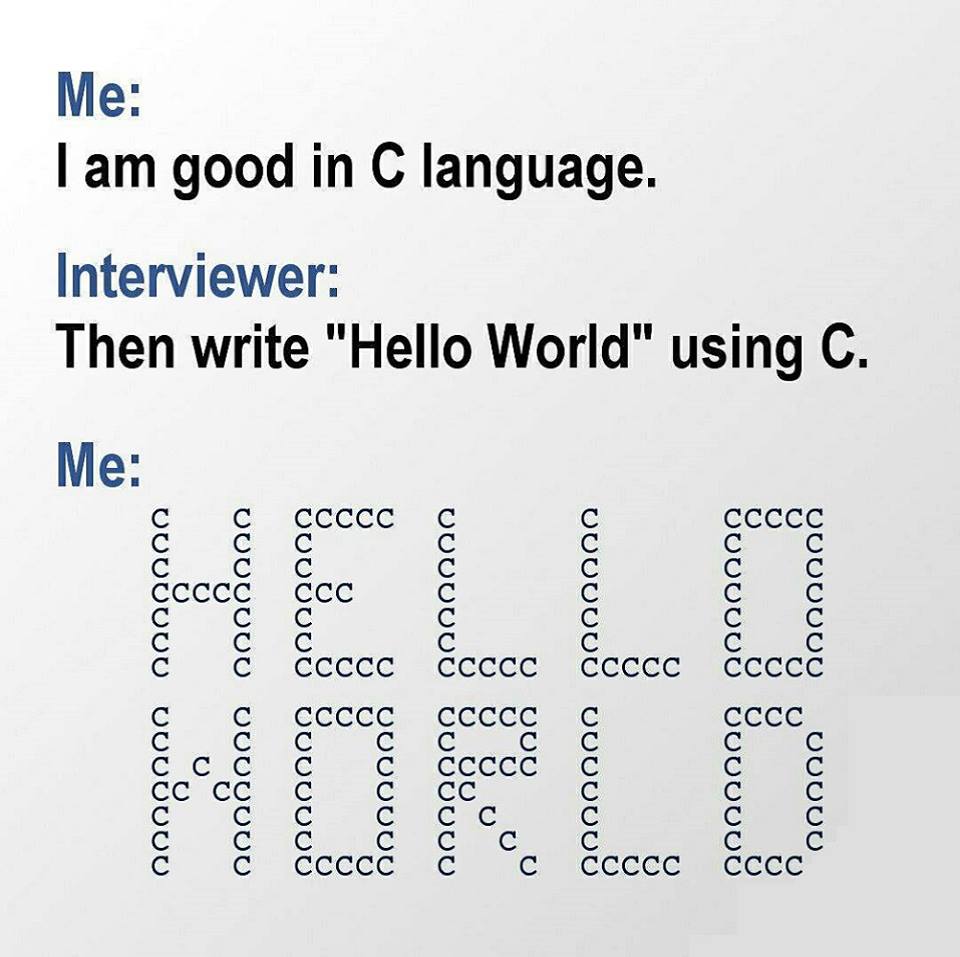
Photo Credit: Posted on Reddit
Comments